AI Texture Generator
What Is V2Fun's AI Texturing?
V2Fun’s AI Texture Generator creates production-ready 8K PBR material sets for AI-generated and existing 3D models. Automatically generate high-resolution albedo, normal, roughness, metallic and other texture maps without tedious UV painting or manual texturing. Deliver realistic, physically accurate materials for games, industrial design, product visualization and film-quality assets in minutes.
Pro-level AI Texturing
Why Choose V2Fun as Your AI Texture Generation Tool & PBR Texture Generator?
Industrial-Grade AI 3D Texture Generation Expert
PBR-Ready Standard Output
Full Channel Generation, Direct Engine Integration
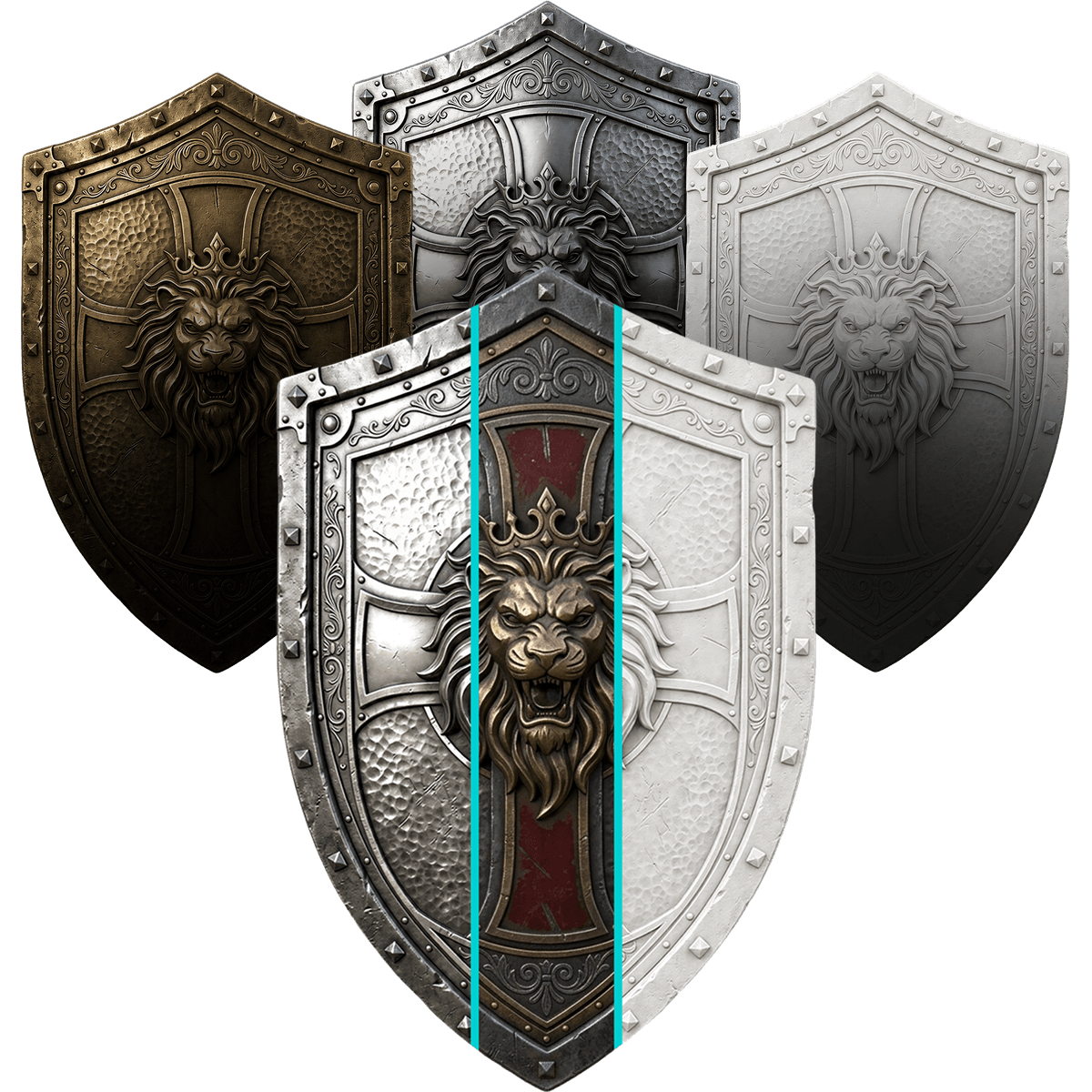
Beyond surface color — V2Fun's AI PBR texture generator simultaneously produces a complete set of standard PBR channels including Albedo, Normal, Roughness, and Metalness. Every output meets production-grade standards with native compatibility for Unity, Unreal Engine, and Blender, delivering accurate physical lighting rendering without manual adjustment — perfectly suited for online 3D modeling and AI 3D print model generation downstream workflows.
Universal Retexturing
One Base Mesh, Infinite Material Style Variations
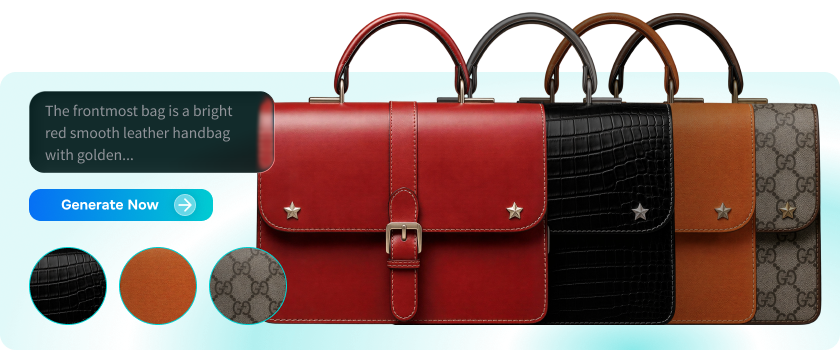
Purpose-built for "structure confirmed, style undecided" scenarios. V2Fun's AI material texture generator supports text, single-image, and multi-image guidance modes — letting one base mesh instantly spawn hundreds of material variants. Maintain perfect geometric consistency while achieving exponential gains in design efficiency and creative diversity, making it the ideal AI 3D material generator for batch game asset variant production.
No UV Expertise Needed
Zero Barrier, Anyone Can Produce Pro-Grade Textures with AI
Completely skip the steep learning curves of UV unwrapping, seam handling, and texel density configuration. V2Fun's AI texture tool for 3D models automatically handles texture projection and spatial alignment — freeing designers, developers, and hobbyists from technical minutiae entirely. Select a model, focus on creative expression, and experience one of the most accessible AI PBR texture generator workflows available today.
Infinite Style Variants
Multi-Texture AI 3D Generation on the Same Mesh in Seconds
Try different reference images or prompts on the same mesh and V2Fun's AI 3D texture generator produces multiple texture variants in seconds. From hyper-realistic physical materials to anime hand-drawn styles and sci-fi aesthetics, efficiently iterate to the perfect look without any repeated modeling — dramatically accelerating style exploration for game assets and film-quality materials.
3 Steps to AI Texturing
How to Apply Professional PBR Textures to 3D Models with V2Fun's AI Texture Generation Tool
Select Your 3D Model
Supports AI Generated 3D Models & Externally Imported Assets
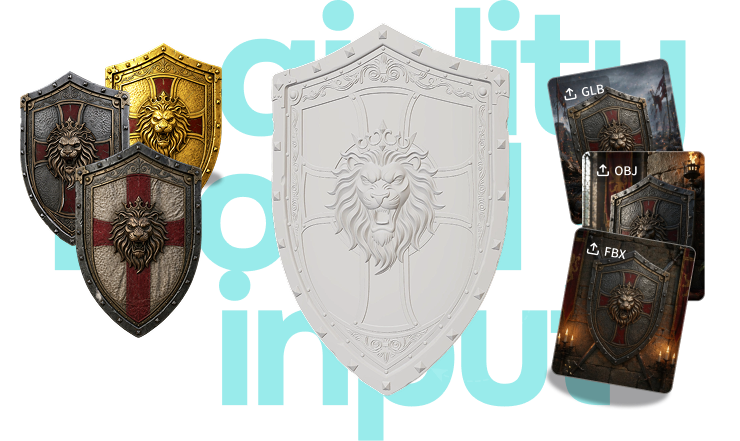
Select an existing white-model asset generated within V2Fun, or upload your own 3D model in FBX, OBJ, or GLB format. Whether it's an asset produced by the AI 3D model generator or a model built in external software, click "Generate Texture" to enter the AI texture generation tool workspace and begin the professional PBR material generation process.
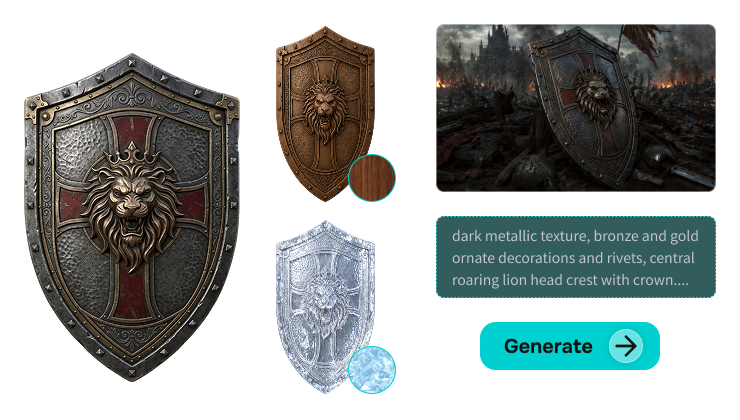
Map Your Material Reference
Text, Reference Image, or Default Source Input
Input a text prompt describing your target appearance, upload a reference photo, illustration, or material sample, or directly reuse the default reference from the modeling stage. All three input methods flexibly cover any creative scenario. V2Fun's AI material generator automatically parses visual features and maps them precisely to the model surface — ensuring AI 3D material generation results match your creative vision with precision.
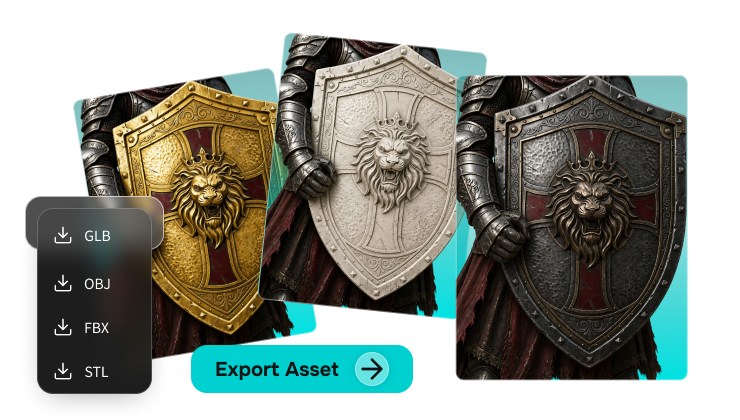
Real-Time Preview & Export
Complete PBR Data Ready for Downstream Workflows
Click generate and the system automatically completes UV unwrapping and texture mapping. A production-ready 3D model with genuine material quality appears immediately — toggle wireframe and mesh data views for professional inspection in real time. When satisfied, download the complete model file with full PBR data and feed it directly into your game engine, online 3D modeling tool, or AI 3D print model generation workflow, with no additional processing required.
AI Texturing Like a Pro
Advanced Creation — Unlock More Material Evolution Strategies with V2Fun's AI Texture Tool
White Model Retexturing
Lock the Structure, Iterate AI 3D Texture Styles Infinitely
For "structure confirmed, style to explore" scenarios, activate the "Model Retexturing" function. Keep the model geometry completely unchanged and simply swap the reference image or description — V2Fun's AI 3D texture generator instantly produces metal, wood, sci-fi mech, or any other style variant. Dramatically reducing design validation costs, this is the go-to solution for batch game asset reskinning and multi-version AI 3D print model validation.
Text-to-Texture
Semantics-Driven AI PBR Texture Generation with Rich Material Layering
No reference image? Select "Text-to-Texture" mode. Combined with the "Optimize Prompt" shortcut, the AI PBR texture generator automatically enriches material descriptions with microscopic detail — from "rust-edged metal" to "fine leather pores." Significantly enhancing material depth and avoiding flat results, V2Fun's AI material generator delivers professional-grade texture quality even without any reference imagery.
Multi-Image Mode
Cross-View Input Eliminates Seams for 360° AI 3D Texture Consistency
For complex structures, use "Multi-Image Generation" to upload material references from multiple angles. V2Fun's AI 3D material generator parses spatial positions cross-view and automatically eliminates texture seams — ensuring perfectly consistent, cohesive surface quality under 360° inspection and fully meeting the stringent texture consistency standards of cinematic and game-grade asset production.
HD Detail Upscaling
Pixel-Level Enhancement for AAA Game & Cinematic Asset Standards
Before exporting, activate the HD upscaling option and V2Fun's AI texture generation tool applies pixel-level enhancement to the normal map and detail layers. HD output precisely reproduces microscopic surface relief — meeting the professional requirements of cinematic animation and AAA game asset production, while also providing exceptional surface detail for AI 3D print model generation, ensuring printed results match the digital model with maximum fidelity.