AI-poweredVideo Mocap
What Is V2Fun AI Video Motion Capture?
V2Fun AI video motion capture extracts high-precision human motion from ordinary video in one click and rapidly transfers it to rigged 3D character models. No professional mocap hardware required — covering game development, short video, virtual streaming, and 3D content creation, enabling any creator to turn real-world movement into exclusive AI 3D character animation.
Pro-level AI Video Mocap
Why Choose V2Fun's AI Mocap Tool for Video to Character Animation?
Zero-Barrier AI Motion Capture from Video Solution
Lightweight Production
One Ordinary Video Replaces Tens of Thousands in Professional Mocap Equipment
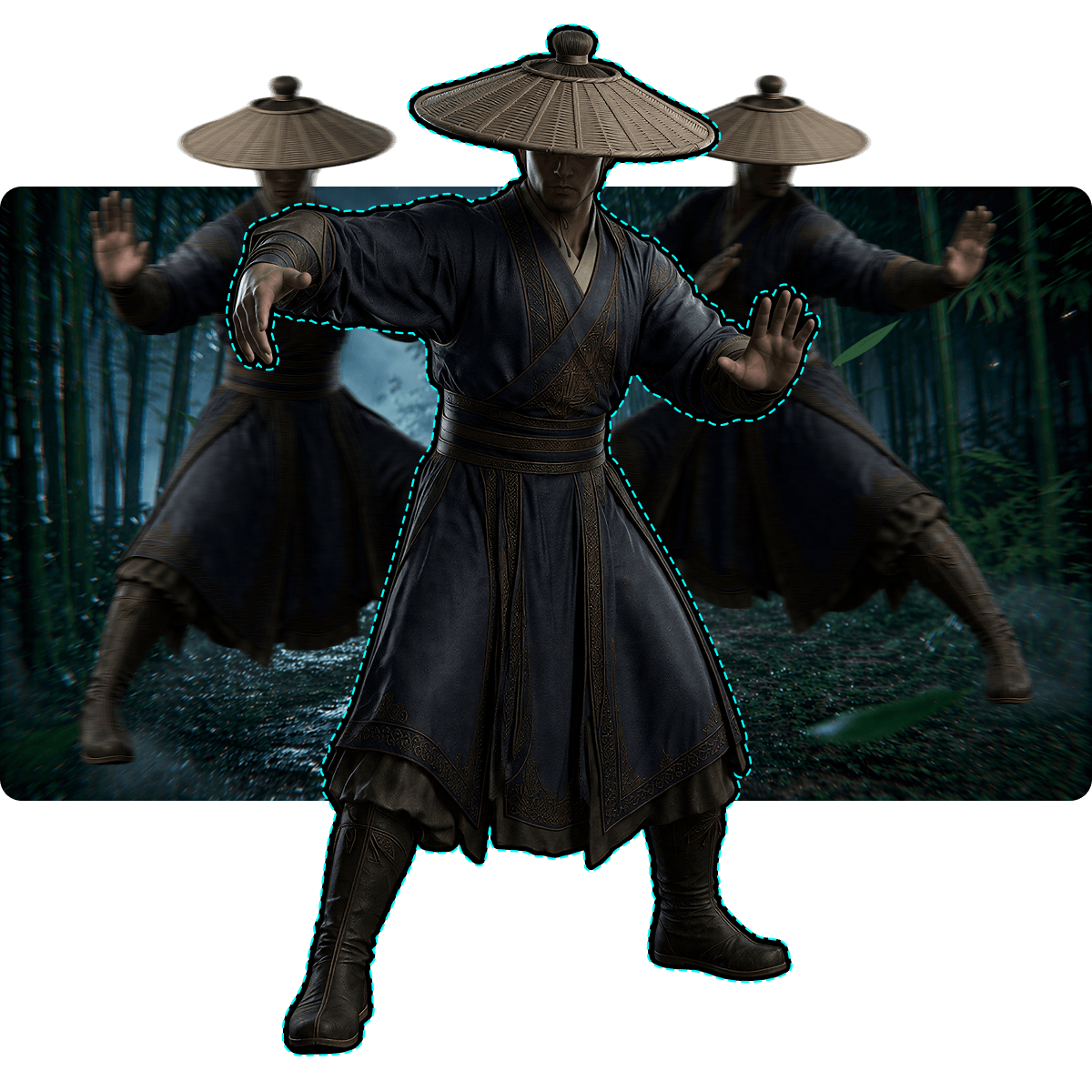
No need for tens of thousands of dollars in heavy motion capture equipment or dedicated studios. V2Fun's AI mocap tool extracts professional-grade 3D human motion data from a single ordinary video — democratizing motion capture from video and enabling independent creators and small teams to produce high-quality character animation content.
Private Model Drive
Upload Custom Characters for True Virtual Avatar Motion Capture
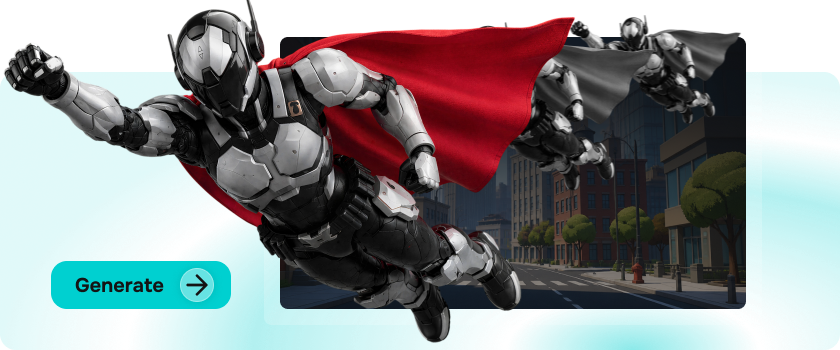
Completely break free from preset character restrictions — upload any custom 3D character model and directly apply captured motions. Whether working with AI generated 3D models or character assets built in external software, V2Fun delivers true virtual avatar motion capture, letting every unique character faithfully reproduce real-world motion from video with what-you-see-is-what-you-get precision.
Real-Time Motion Retargeting Preview
Instantly Verify AI Character Motion Generation Results in Browser
Preview motion capture data and AI motion retargeting results against the target model in real time directly in the browser — verifying restoration quality frame by frame with what-you-see-is-what-you-get accuracy. Dramatically reduce post-production costs and compress AI motion retargeting and character motion retargeting adjustment cycles from days to minutes.
Full Cloud Computing Power
Complete Video to Character Animation Conversion on Any Device, Anytime
No high-performance local hardware required — all complex visual computation and motion extraction runs in the cloud. V2Fun's AI 3D creation platform enables the complete video to character animation conversion pipeline on any device, anywhere, at any time — completely eliminating temporal and spatial barriers to creation and making the AI mocap tool universally accessible across all platforms.
3 Steps to AI Video Mocap
How to Convert Real-World Video into 3D Character Animation with V2Fun's AI Mocap Tool
3 Steps from Motion Capture from Video to Full Character Animation
Enter the Motion Workspace
Launch the AI Mocap Tool and Create Your Private Motion Assets
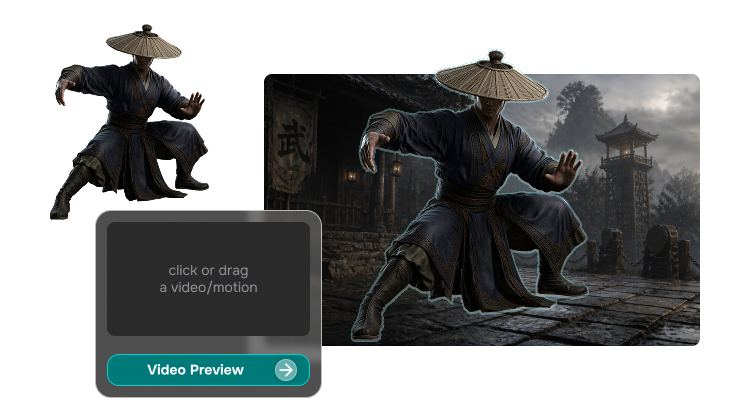
Log in to V2Fun, enter the motion workspace, and click the "Upload" button on the left to begin building your private motion asset library. Every motion extracted through motion capture from video is securely stored in the cloud — reusable across models at any time, continuously growing your AI character motion asset collection.
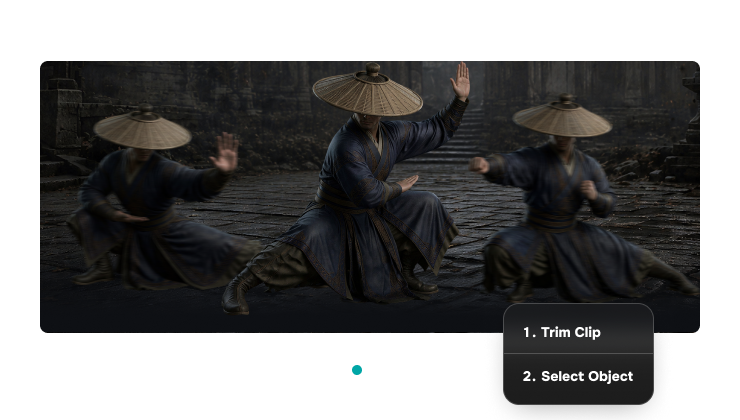
AI Motion Extraction
Monocular Vision Algorithm Auto-Captures High-Precision Human Motion
Select your reference MP4 video file and V2Fun's AI mocap tool core algorithm automatically activates — extracting high-fidelity 3D human motion data from the footage using monocular vision technology. Keep video length between 5 and 30 seconds with a complete, clearly moving subject in frame. Whether capturing everyday motion, choreography, or AI dance motion capture sequences, consistently high-quality motion extraction results are delivered.
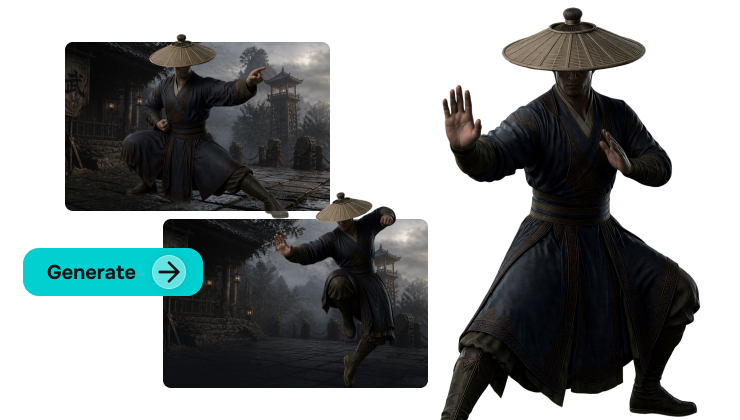
Motion Library & Retargeting Application
Precise Human Motion to 3D Character Synchronization
Click "Complete" and wait briefly — once processed, the motion appears automatically in your upload section. Select your bound custom 3D character model and click "Apply Motion." The system automatically maps the extracted human motion data to the model skeleton via AI character motion retargeting, achieving perfect synchronization between character and video motion. Export directly for use in game engines, film production, and virtual avatar motion capture applications.
AI Video Mocap Like a Pro
Maximize Motion Restoration Accuracy in V2Fun's AI Motion Capture from Video Professional AI Mocap Tool Optimization Guide
Environment & Background Optimization
Improve AI Motion Capture from Video Accuracy at the Source
For optimal motion capture from video results, shoot in evenly lit environments with clean or high-contrast backgrounds. Maintain stable framing and avoid significant camera movement or cuts — minimizing environmental interference for the AI mocap tool's keypoint capture at the source, producing smoother motion curves and higher-precision human motion to 3D character transfer results.
Subject Completeness & Angle Strategy
Eliminate Spatial Blind Spots in AI Character Motion Generation
Ensure the full body is completely visible in frame, avoiding limb cropping or heavy occlusion. Single-person capture produces the best results — keep the camera angle roughly level with the subject to minimize limb length distortion from extreme perspective, ensuring AI character motion generation and 3D skeleton drive results remain anatomically accurate and maximizing virtual avatar motion capture restoration precision.
Flexible Library Reuse
Extract Once, Drive Unlimited Models, Continuously Build Motion Assets
Motion data extracted from a single video session can be repeatedly applied to different private models — achieving maximum return from one extraction. Build your own motion asset library, storing frequently-used interaction motions, AI dance motion capture results, and signature motion sequences in the cloud, ready to animate new AI generated 3D models or custom characters at any time and continuously maximizing the reuse value of your creative assets.
Rapid Anomaly Diagnosis
Coordinated Fine-Tuning of Rigging & AI Motion Retargeting
Joint twisting after motion application typically originates from non-standard T-Pose source model posture or skeleton marking deviation. Return to the "AI Automatic Rigging" step, recalibrate joint positions, and reapply the extracted motion — this significantly improves both AI motion retargeting and character motion retargeting accuracy. Rigging quality and motion capture fidelity are deeply interdependent: optimizing the rig is the most efficient path to maximizing final video motion capture output quality.