AI AutomaticRigging
What Is V2Fun's AI Rigging
Powered by intelligent keypoint recognition algorithms, V2Fun's AI automatic rigging tool requires no manual weight painting or skeleton placement. Convert static T-Pose models into fully animatable assets in seconds — with automatic skeleton generation, key joint recognition, and complete character rigging. Manual node calibration ensures perfect weights even under extreme poses, getting your characters into motion capture, motion transfer, and animation production workflows faster than ever.
What is V2Fun AI Automatic Rigging? V2Fun AI automatic rigging is an auto rigging tool for 3D characters that automatically identifies character structure, generates a standard skeleton framework, and completes foundational rigging. Whether used for character animation rigging, as a game character rigging tool, or for rigging for motion capture preparation, it equips every model with full motion transfer, video motion capture, and animation production capability.
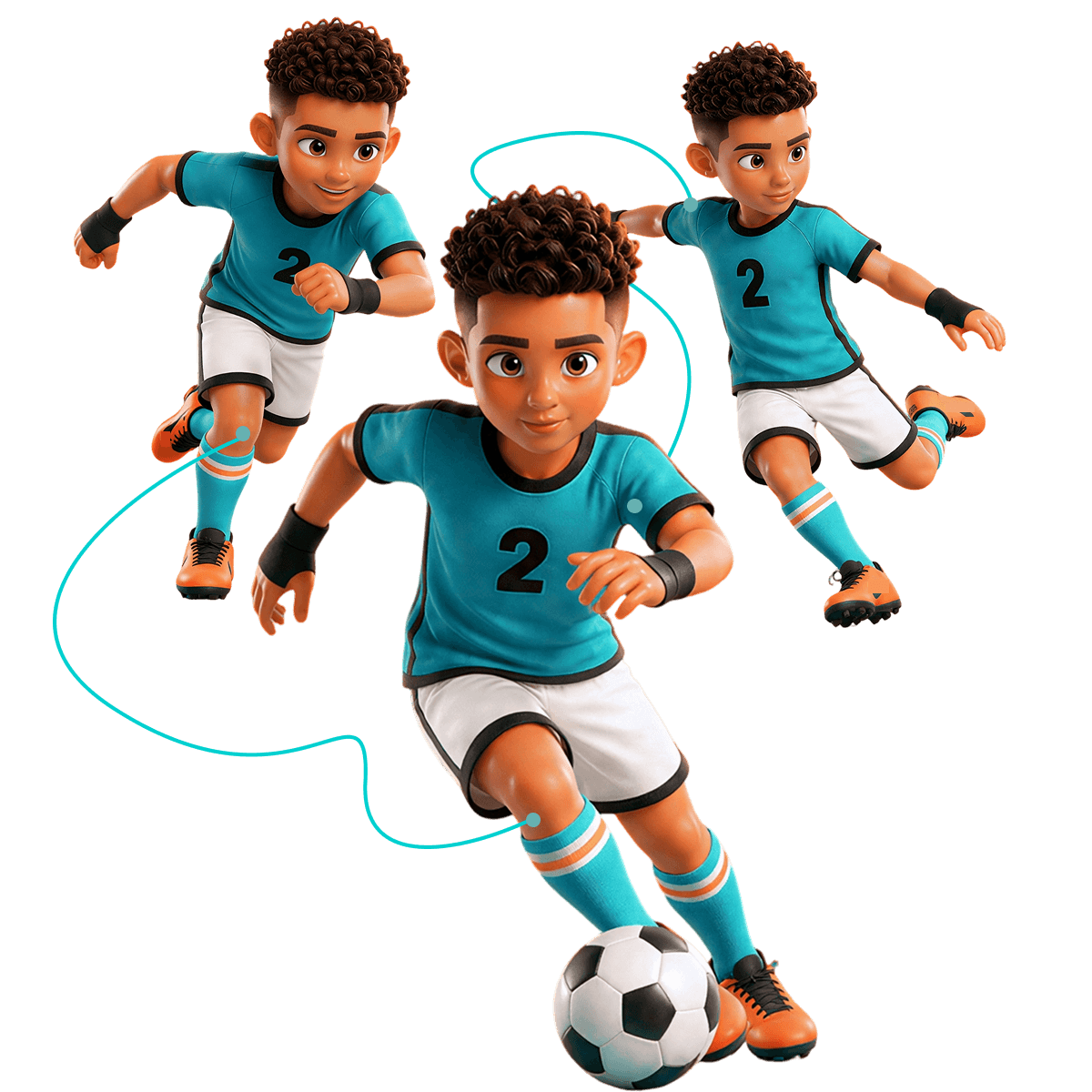
Pro-level AI Rigging
Why Choose V2Fun's AI Automatic Rigging Tool?
Industrial-Grade AI Automatic Skeleton Generation Solution
Intelligent Automatic Skeleton Generation
AI Joint Recognition for Anatomically Accurate Rigs
V2Fun's AI automatic rigging algorithm identifies model joints from key landmarks and generates anatomically rigorous skeleton frameworks — completely eliminating manual skeleton creation. The automatic skeleton generation engine precisely recognizes body structure and key joint positions in 3D character models, outputting professional rigs ready for character animation rigging, game character rigging, and rigging for motion capture workflows.
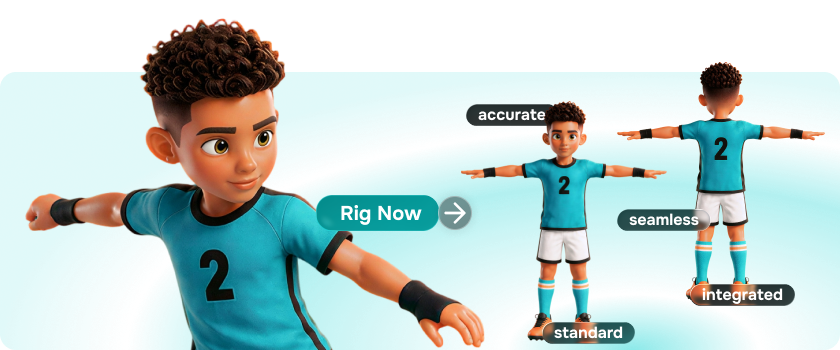
Interactive Skeleton Fine-Tuning
Visual Editor Precision Calibration for Complex Character Animation
The built-in visual editor lets users manually calibrate auto-generated skeleton node positions in standard pose, achieving 100% precise joint alignment at minimal cost. Building on AI automatic rigging, fine-tune skeleton nodes, joint positions, and character structure to ensure rigging results fully match character proportions and animation requirements — meeting professional standards from game character rigging tool use cases to cinematic character animation rigging.
Broad Format Compatibility
FBX Skeleton Export for Direct Engine & Motion Capture Pipeline Integration
Full FBX standard skeleton export support means generated rigged assets import seamlessly into Unreal Engine, Unity, and Blender. Skeleton structures are optimized for character animation rigging, rigging for motion capture, motion transfer, and game character production pipelines — ensuring every AI generated 3D character model flows smoothly into any downstream production workflow.
Zero-Barrier Animation Access
No Rigging Background Needed, Production-Ready 3D Characters in Minutes
No 3D rigging background required — beginners can obtain a production-ready, animation-capable 3D character in minutes. V2Fun's AI automatic rigging tool radically lowers the technical barrier of traditional rigging, enabling non-professional animators to complete 3D character skeleton binding quickly and step directly into AI animation production and video motion capture creation, making it one of the most accessible character skeleton generators available.
3 Steps to AI Rigging
Simply select a character model, confirm key skeleton point positions, and trigger automatic computation — V2Fun's AI automatic rigging tool enables any creator to complete professional 3D character skeleton binding in minutes, whether for character animation rigging, game character rigging, or rigging for motion capture scenarios.
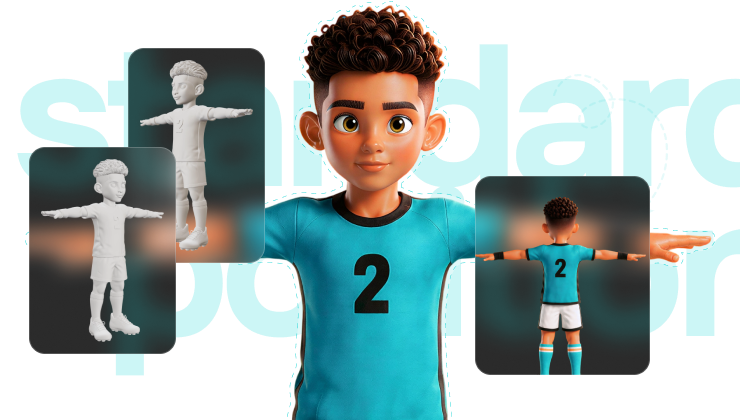
Model Positioning & Initialization
T-Pose Is the Foundation of Successful AI Automatic Rigging
Before rigging, center the character model and orient it to face forward. Standard T-Pose (arms horizontally extended, limbs clearly separated from the body) is strongly recommended — it significantly improves AI automatic rigging success rates and animation stability. Upload or select the 3D character model and the system automatically identifies character structure, fully preparing for subsequent automatic skeleton generation and joint point positioning.
Key Skeleton Point Marking
Guide the AI Character Skeleton Generator to Precisely Locate Every Joint
The system guides you to place markers at key joint positions including head, shoulders, elbows, and knees. Enable symmetry mode for standard models to ensure left-right consistency; for models with complex hair or costumes, use side-view auxiliary marking to prevent structural merging. Precisely confirming key joint points for head, torso, and limbs helps the AI character skeleton generator build a more accurate skeleton framework optimized for character animation rigging and rigging for motion capture.
Automatic Computation & Result Inspection
Verify Rig Quality for Direct Animation & Motion Capture Pipeline Entry
After marking, click generate and the system automatically computes weights and outputs the complete rigging result. Monitor skeleton drive performance in real-time preview — adjust marker positions at any time until the most natural motion is achieved. Once AI automatic rigging is complete, comprehensively inspect character pose, joint positions, and motion compatibility to confirm the model is ready to enter motion transfer, rigging for motion capture, and character animation rigging production workflows.
AI Rigging Like a Pro
How to Maximize Quality & Animation Compatibility in V2Fun's AI Automatic Rigging Pro-Level AI Automatic Skeleton Generation Optimization Guide
T-Pose Correction
Optimize Input at the Source to Eliminate AI Automatic Rigging Weight Errors
Rigging quality is highly dependent on the original pose. If the source model is in a non-standard pose (e.g., arms hanging down), first adjust the reference image to T-Pose via prompt engineering — ensuring sufficient spatial clearance at the armpits and inner thighs before modeling. This eliminates local structural merging during AI automatic rigging at the source. Recommended prompt: "Keep the character's appearance unchanged, adjust the pose to T-pose with arms extended horizontally, front-facing view, even lighting, solid color background."
Complex Costume Side-View Processing
Solve Overlapping Structure Weight Issues in Game Character Rigging
For characters with capes, long hair, or flowing robes, side-view auxiliary marking is critical. Precisely distinguishing core body skeleton from external accessories at the side angle effectively prevents external structures from being incorrectly pulled into skeleton deformation during motion — significantly improving animation visual plausibility. This technique is especially important for complex characters in game character rigging tool workflows and rigging for motion capture scenarios.
Motion Library Instant Validation
Rapidly Test AI Automatic Skeleton Generation Rigging Stability
After rigging, immediately apply basic motions from V2Fun's built-in motion library (walking, waving) or popular dance moves. Observe model performance under extreme stretch motions to instantly identify weight anomalies for targeted fine-tuning — focusing on shoulder, arm, leg, and torso deformation to catch mesh penetration and joint abnormalities early, ensuring exported assets perform flawlessly in game engines and motion capture pipelines.
Targeted Export Format Selection
Precisely Match Game Development, Animation & Motion Capture Workflows
Select export formats based on your downstream scenario: FBX for game development and character animation rigging to fully preserve skeleton information and weight data; FBX also recommended for rigging for motion capture and motion transfer to ensure skeleton structure compatibility; GLB for Web or AR presentation for maximum compatibility and lighter file size. V2Fun's AI 3D creation platform supports flexible full-format export, ensuring every rigged asset enters any downstream production pipeline without barriers.